Workflow
Prepare a Lender Renewal Update From Approved Materials
Turn a lender's renewal request into a reviewed update, an approved evidence pack, and a clear set of remaining questions.
- Audience
- Business owners, founders, exporters and supporting advisers preparing financing work
- Products
- Documents, Aurora, CRM, Tasks
- Prerequisites
- Actual current lender request, Approved current business and financial sources, Authorized representative, Official handoff route
- Expected outcome
- Reviewed renewal update and requirement-linked document pack
- Approval boundary
- Human verifies figures and contractual statements; lender decides renewal
Make the renewal conversation easier to prepare
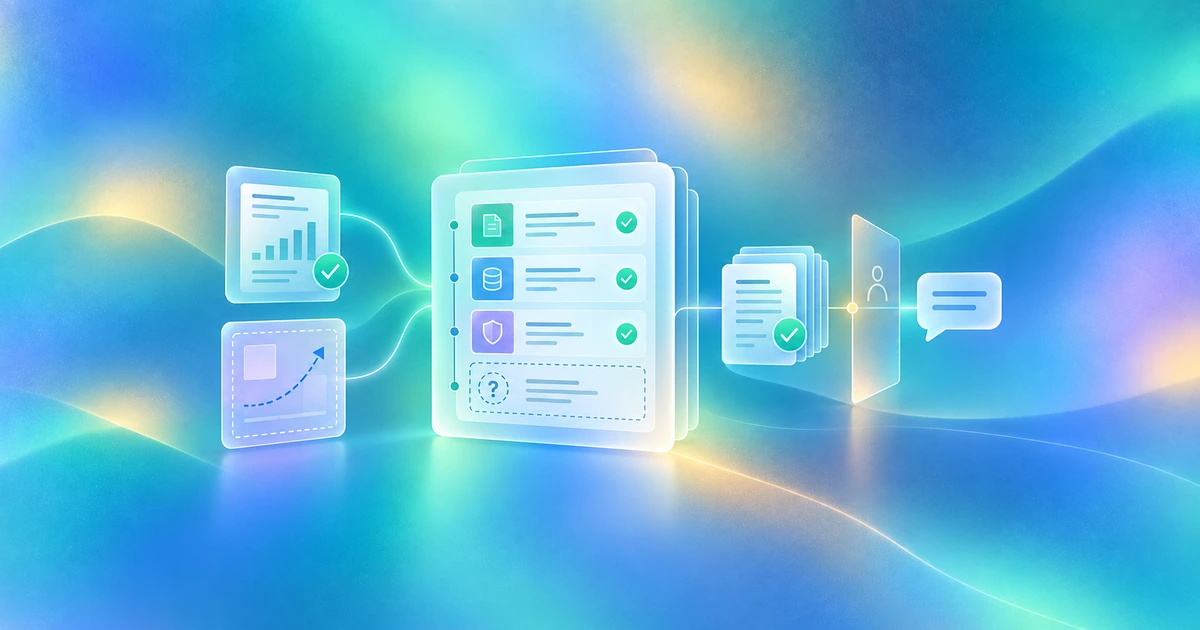
Prepare a lender renewal update from the actual request and approved current business materials. Ask Aurora to draft a concise source-linked update, map requested documents, and surface unresolved questions. Review the pack before sharing through the lender's official route.
This workflow organizes a renewal conversation. It does not monitor covenants, certify compliance, renew a facility or synchronize accounting records.
Build the renewal preparation pack
| Pack section | Approved evidence | Review question |
|---|---|---|
| Business update | Current approved operating facts | What materially changed since the prior review? |
| Requested records | Exact lender-requested files and periods | Do the sources match the entity and period? |
| Planned next period | Approved plan with labeled assumptions | Which projections require explanation? |
| Open lender questions | Actual request, contract or communication | Who should answer each consequential question? |
| Handoff route | Lender's current submission instructions | Who approves the pack and records receipt? |
Keep actual results distinct from plans. Keep lender-requested representations separate from a general narrative. A generated update is not a signed certificate.
Prepare the update in Finta
- Save the renewal request. Record lender, product, requested date, source and the actual response route. Verify timing instead of guessing from the prior year's calendar.
- Collect approved current material. Export or upload the requested records through supported workflows. This recipe assumes user-supplied documents, not a live ledger connection.
- Identify source owners. The finance lead reviews financial records; operating owners verify business changes; authorized representatives approve required statements.
- Ask Aurora for a draft and gaps. Provide the actual request and selected sources. Request source references for material facts and preserve unresolved definitions.
- Review, revise and save. Use main chat to save an approved working document to Documents when needed. A draft stays a draft until the responsible people clear it.
- Share and record the real state. Use the lender's accepted portal or controlled-link route. Record what was delivered, who approved it, and any actual acknowledgment or additional request.
A prompt for a grounded renewal update
Prepare a lender renewal update using this actual request and the supplied approved materials. Separate reported results from plans and assumptions. Map requested records to source files and flag wrong periods, missing sources and unresolved questions. Do not certify covenants, invent accounting figures, interpret contractual compliance, sign statements, renew financing or submit documents.
Documents provides a working source library. Aurora helps prepare the update from available context, while your finance team and authorized representatives remain responsible for the content.
Illustrative result: the update preserves an important uncertainty
A fictional business has an approved current operating update and the financial records its lender requested. A next-period plan includes a new site, but the lease has not been finalized.
The draft says the site is planned, identifies the supporting internal plan, and flags the unsigned lease for the owner's review. It does not present the expansion as completed or certify that the existing financing permits it. This synthetic example shows source-led drafting, not a renewal approval or compliance finding.
Check the renewal handoff receipt
The receipt names the actual request, reviewed sources and covered periods, approved update, outstanding questions, disclosure owner and actual delivered set. Save lender acknowledgment separately. Keep renewal decisions and terms as provider evidence, not assumptions based on a favorable conversation.
If a contract asks for a specific certificate, route it to the authorized person and appropriate adviser. A narrative or file generated by Aurora does not replace that process.
Keep the remaining work connected
Wrong reporting period: obtain the correct approved source. Missing current instructions: ask the lender. Draft forecast treated as actual: revise the wording and source label. Contract interpretation needed: refer the exact clause for professional review. No delivery receipt: keep the state at prepared or shared, not acknowledged.
Continue with request reconciliation, an accepted lender-room handoff, or verified preparation dates and follow-up. Keep the relationship informed without pretending Finta is a loan-servicing or accounting system.