Workflow
Reconcile Lender Document Requests and Missing Materials
Turn lender requests into a clear working list of what is present, missing, unverified and ready for the next handoff.
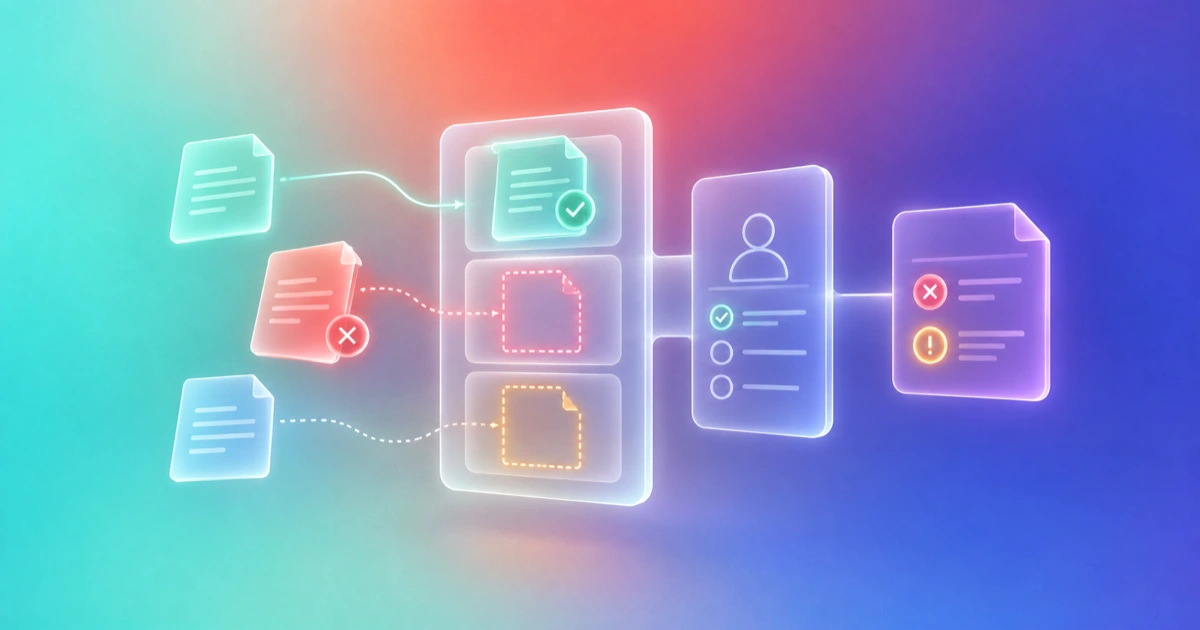
- Audience
- Business owners, founders and advisers coordinating lender relationships
- Products
- Aurora, Documents, Tasks, CRM
- Prerequisites
- Actual dated lender request, Approved source pack, Known file owners, Verified accepted handoff route
- Expected outcome
- Request-to-file reconciliation with evidence and delivery states separated
- Approval boundary
- Human verifies source accuracy, approves disclosure and records actual external receipt
Know what the lender asked for and what you actually have
Compare the lender's real request with your approved document library. Create a source-linked list that shows each requested item, its owner, current file, evidence state and next action. Use Aurora to prepare the reconciliation, then have the responsible people confirm it before sharing.
This workflow manages an incoming request. It does not declare the application legally complete, certify the financial records or prove the lender has received a file.
Keep evidence state separate from delivery state
| Evidence state | Meaning | Delivery state, recorded separately |
|---|---|---|
| Present | A located file appears to match the request | Not shared, shared or lender receipt confirmed |
| Missing | No matching file is available in the reviewed pack | No delivery claimed |
| Unverified | File exists but entity, period, content or permission needs checking | Do not mark ready solely because it was uploaded |
| Not applicable | An authorized person has confirmed why the request does not apply | Clarification communicated if needed |
A “present” PDF might cover the wrong year. A room view might not include the requested document. Keeping these states separate stops reassuring activity from becoming a false completion statement.
Reconcile the request in five steps
- Preserve the lender's wording. Save the actual email, checklist or portal request with its date and product. Do not merge distinct requests into a generic checklist that loses the required period or entity.
- Inventory the approved pack. Locate file names, covered periods, business entities and disclosure owners. Use searchable context where supported and manual inspection for unreadable scans.
- Ask Aurora to map, not certify. Return request, source location, candidate file, evidence state, owner and next action. A weak match remains unverified.
- Review the mismatches. Ask the finance lead about financial records, the business owner about project facts, and the lender about ambiguous requests. Create Tasks for the remaining work.
- Prepare the next handoff. Share the approved items using the lender's accepted route. Record the actual delivered set and any separate acknowledgment.
Use the existing data-room completeness workflow for its general evidence-state mechanics. This recipe owns the lender's requested-materials reconciliation and delivery handoff.
A prompt for an honest missing-materials report
Compare this dated lender request with the selected approved files. Preserve the request's entity, period and exact purpose. Return a table of requested item, candidate file, source reference, present/missing/unverified/not-applicable state, owner and next action. Do not treat an upload or page view as delivery confirmation, certify financial accuracy or send files.
Main Aurora chat can prepare the substantial report. Save the reviewed list in Documents when you need a working artifact. A human-owned task can keep a missing material connected to its responsible person.
Illustrative result: the file exists, but the period is wrong
A fictional company receives three requests: a current project quote, financial records for a specified period, and a signed authorization. The library contains the quote, an older financial file, and an unsigned draft.
| Request | Located source | State | Next action |
|---|---|---|---|
| Current project quote | Approved current quote | Present | Verify lender's accepted upload route |
| Specified financial period | Older period only | Unverified match | Finance lead supplies requested period |
| Signed authorization | Unsigned draft | Missing signed form | Authorized person reviews and signs |
This synthetic example deliberately keeps the unsigned draft from being called a completed requirement. It does not establish actual lender requirements or a successful application.
Close the loop with a handoff receipt
The receipt names the lender request and date, files approved for disclosure, items still open, human owners, destination route and actual receipt evidence. If only a room link was sent, say that. If the provider confirms an upload, retain its confirmation. Mark “lender acknowledged” only when acknowledgment exists.
If the request changes, keep a revision note and review affected rows. If a file contains unnecessary sensitive material, stop sharing and obtain an appropriate approved version. If the lender's instruction conflicts with a prior checklist, request clarification rather than choose the easier interpretation.
Continue with a lender document room for an accepted link-based handoff, or the SBA preparation checklist for the wider application plan.