Email history
Analyze supported connected email history when an active source is available.
NetworksRelationship strength & warm paths
Start with the relationships you already have before reaching out cold. Turn connected email history into relationship-strength tiers, import supported relationship CSVs, and use Aurora Picks to review investor fit.
Credit card required · No charge today
Final receipt: Maya Chen added to CRM with relationship context preserved.
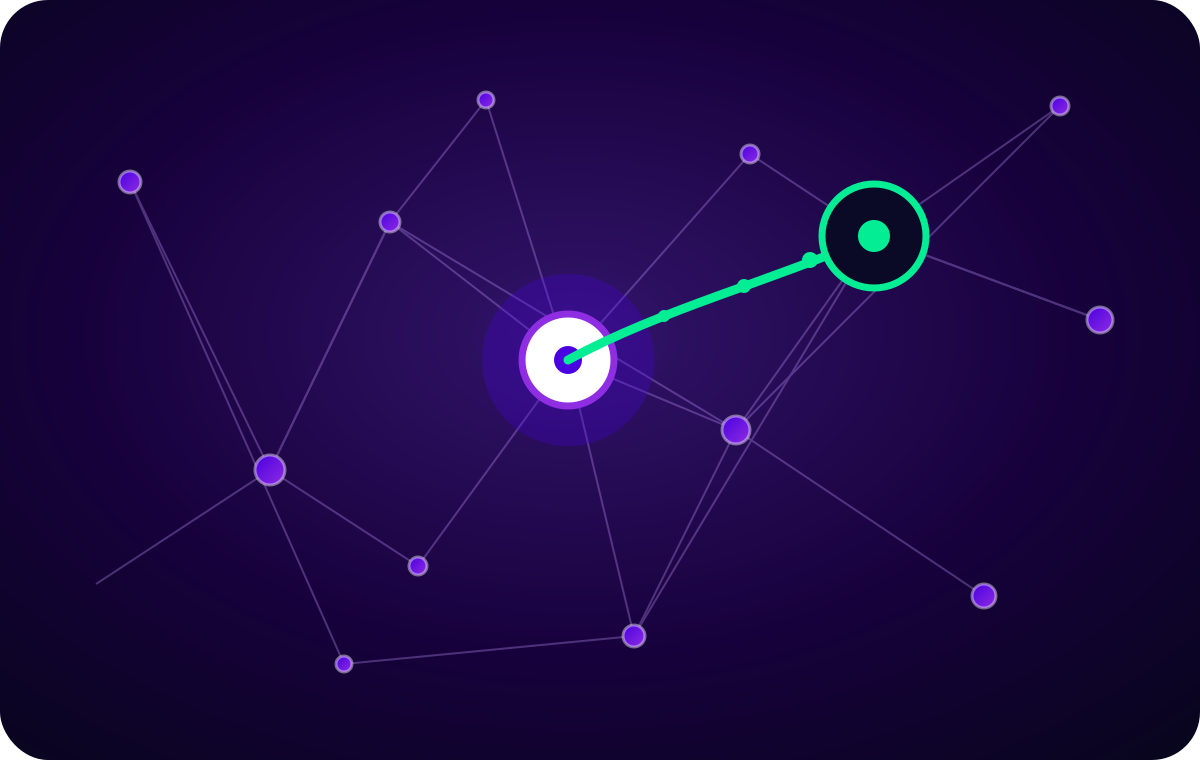
See how relationships connect. Find a warm way in.
Relationship strength
Finta groups supported email activity into Strong, Moderate, or Weak bands, then shows the source and evidence behind each relationship.
Moderate combines the product's Moderate and Mild bands in this overview.
Relationship strength reflects available interaction evidence—not the likelihood of an introduction.
Analyze supported connected email history when an active source is available.
Import supported relationship files without implying a persistent social sync.
Use fit and relationship evidence to narrow the people worth reviewing.
Share a read-only network, choose email visibility, and preserve introduction context when selected people move to CRM.
Nova + Finta Networks
Explore a path to the right person, understand the relationship behind it, and prepare a thoughtful ask.
Available matches across the networks you can access can reveal a path to your target.
 NovaFinta Networks
Nova, is there a warm path to Daniel at Meridian?
Maya appears in an available path to Daniel. Start by reviewing that relationship.
Product questions
Yes—through LinkedIn exports rather than a live synchronization. In LinkedIn, open Settings & Privacy → Data privacy → Get a copy of your data. Choose Download larger data archive, leave the individual category boxes unchecked, and select Request archive. When the archive arrives, extract the ZIP and upload Connections.csv to Finta.
Request your LinkedIn archiveLinkedIn export instructionsYes. Invite the email attached to another Finta account and the network appears read-only in their workspace. You choose the title they see and whether contact email addresses are visible. Recipients can review the network and add selected contacts to their CRM, but they cannot edit your source network.
No. Network context can support a CRM, outreach, or introduction workflow, but the request and outcome remain deliberate relationship actions.
Continue the relationship loop
RelationshipsNetworksRelationship strength & warm paths
Credit card required · No charge today