Fundraising Operations
AI Agent Team Templates for Fundraising and Relationship Work
Choose a small AI responsibility plan with permitted inputs, distinct outputs, a human reviewer and a stop condition.
What you will learn
- Choose a small responsibility plan for a specific output.
- Distinguish Skill templates, sources, roles and routines.
- Review one useful result before expanding the plan.
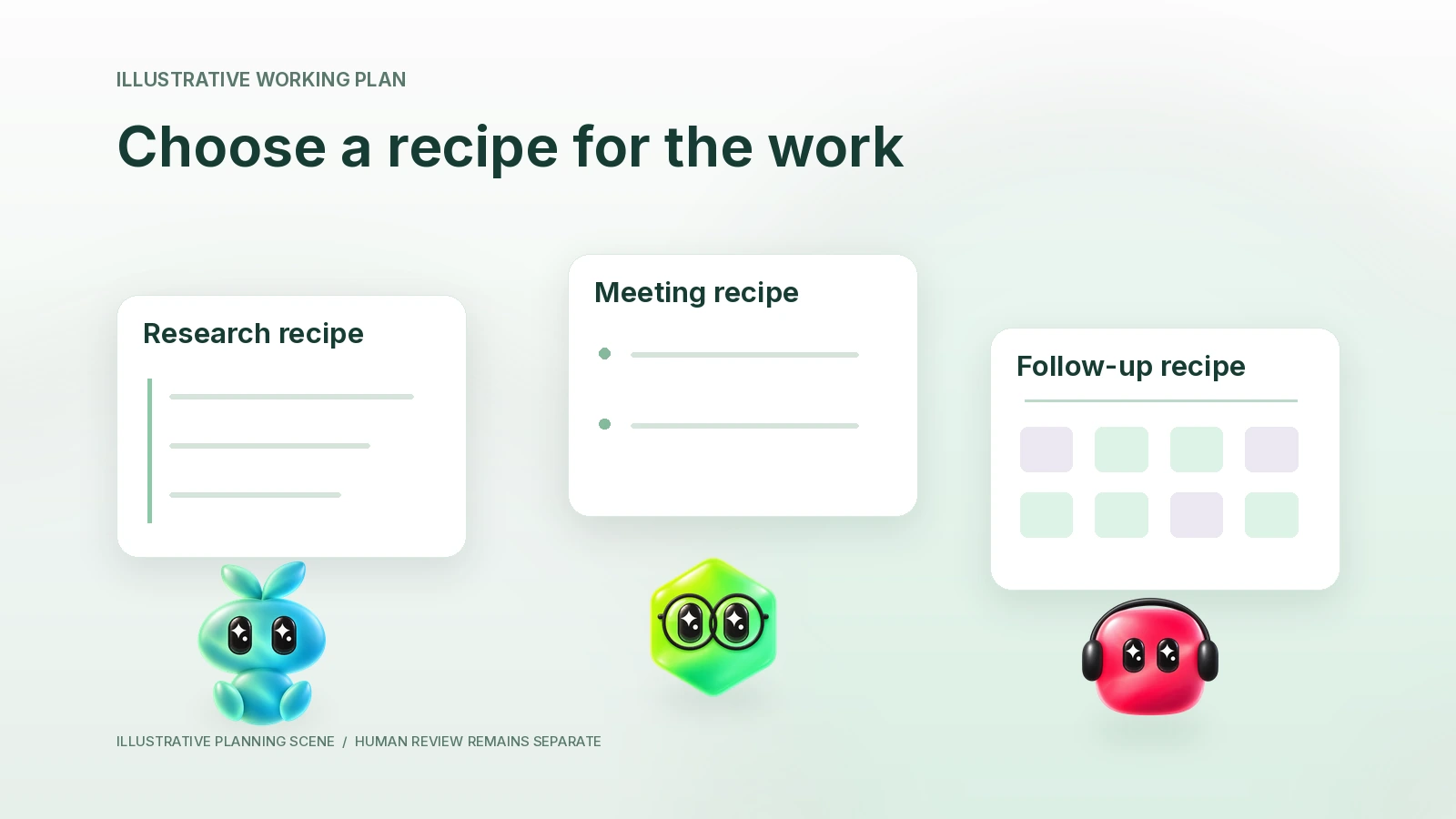
A useful AI team template is a responsibility plan: the job, permitted inputs, distinct output, human reviewer and stop condition. Start with the smallest plan that serves a real task. The cards below link to existing Finta Skill templates where relevant; they do not automatically provision agents, connect accounts, create a coordinated team or enable routines.
Source check: October 22, 2026. The Skill identities and Aurora concepts were checked against current official sources and implementation. The recipes are planning exercises, not hands-on tests or a one-click team installation.
Choose a recipe by the output you need
| Current need | Start with | Do not add yet |
|---|---|---|
| A conversation tomorrow | One reviewed meeting brief. | Recurring outreach or a separate research role without a real gap. |
| A completed meeting | A proposed source-linked change set. | Automatic task assignment or email sending. |
| A recurring stakeholder update | A reviewed update draft from approved reporting facts. | Assumed permission to disclose private detail. |
| Too many open actions | A ranked review queue with reasons. | Automatic changes to other people's commitments. |
Agents, Skills, sources and routines solve different problems. A named responsibility organizes ongoing work. A Skill is a reusable playbook. An App connection supplies its actually authorized tools. A routine is separately configured scheduled work. Selecting a portrait or writing a team name does not establish any of the other pieces.
Recipe card one: prepare one relationship conversation
Required input: intended audience, meeting purpose, a known contact/company and permitted relevant history. Output: a short context brief, supported talking points, unknowns and a question plan. Reviewer: the person attending the meeting. Stop: ambiguous identity, missing source access or unsupported material claim.
The real Daily Meeting Prep playbook is a starting point for a meeting overview. The Investor Meeting Prep template is more specific to an investor conversation. Choose by the task; do not run both just to obtain two similar summaries.
Recipe card two: turn reviewed notes into follow-through
Required input: dated permitted meeting notes, verified record identity and the current relevant fields. Output: decisions, open questions, proposed field changes, task drafts and an external message draft. Reviewer: the relationship owner. Stop: unreliable speaker attribution, an unaccepted assignment or unclear audience.
Use the existing Post Meeting playbook. Pasted permitted notes are a valid start. A notes App is optional and requires its own account and evidence check. Review durable changes and any outgoing message separately.
Recipe card three: prepare a stakeholder update
Required input: approved reporting period, dated facts, metric definitions, changes since the previous report and disclosure limits. Output: a source-linked draft with explicit asks and unknowns. Reviewer: the accountable sender. Stop: inconsistent periods, an unsupported performance claim or an uncleared disclosure.
The real Investor Update Writer template supports that specific job. A Blind Spots review can challenge assumptions when there is a concrete unanswered question. It is not a substitute for verifying the underlying numbers or approving distribution.
Recipe card four: review the work queue
Required input: permitted current tasks, explicit commitments, due dates or unknowns, and the owner's priorities. Output: a short ranked queue with reasons and decisions needed. Reviewer: the person responsible for the work. Stop: stale task state or a recommendation that silently changes another person's ownership.
The existing Prioritize Tasks template is a relevant starting playbook. Priority advice is not authority to close, reassign or reschedule a task.
Fill in the responsibility plan
| Plan field | Your answer | Readiness test |
|---|---|---|
| Reader need and output | [One decision artifact] | A person can explain how they will use it. |
| Source and identity | [Permitted packet or checked connection] | The right account and source can be verified. |
| Skill or instructions | [Existing template or reviewed role text] | The playbook fits the job and omits unrelated work. |
| Reviewer and boundary | [Named human; draft/read/action limit] | Consequential ambiguity has an owner. |
| Next handoff | [User-triggered or manual; destination] | Distinct output, no duplicate work or invented automation. |
| Evidence of usefulness | [Accepted, corrected or rejected output] | A real review result exists before expanding the setup. |
Fictional worked example: choose less
At the invented company Lumen Field, one founder wants to prepare for an investor meeting and record the follow-up. She starts with the meeting-preparation recipe, using a permitted company brief and the investor's official information. After the conversation, she supplies reviewed notes to the Post Meeting recipe.
The first output is a question plan. The second is a proposed change set and draft message. The transition is manual: she reviews and supplies the new notes. No scheduled send, automatic team deployment or measured saving is implied. She postpones a research responsibility because the initial evidence packet already answers the current questions.
Ask for a plan before installing more
Help me choose a small responsibility plan in Aurora AI in Finta, Claude or Codex.
My immediate task: [details]. Permitted sources, account scope and disclosure limits: [details]. Human reviewer: [person].
Recommend the smallest sufficient output and, only where relevant, an existing Skill template whose actual job fits. For each responsibility list input, distinct output, source check, review boundary, stop condition and next handoff labeled manual or user-triggered unless real automation is verified.
Show what I can omit. Do not invent an installable team, tool ID, source connection or completed test. Do not create agents, install Skills, send, save, assign or enable routines. Return a reviewable plan and the first safe practice task.
Common questions
Does opening a Skill template create the whole team?
No. A Skill template is an actual playbook entry. Account connection, role setup, feature availability and scheduled work are separate decisions.
Do portraits determine what a role can access?
No. Portraits and names can make a plan easier to understand. Actual access follows the user's account, organization and tool authorization.
When should I add another responsibility?
When a reviewed output exposes a distinct recurring job that the current setup cannot handle clearly. More roles are not evidence of better work.
Practice the first plan with seven review checkpoints, or follow the single-brief worked example.