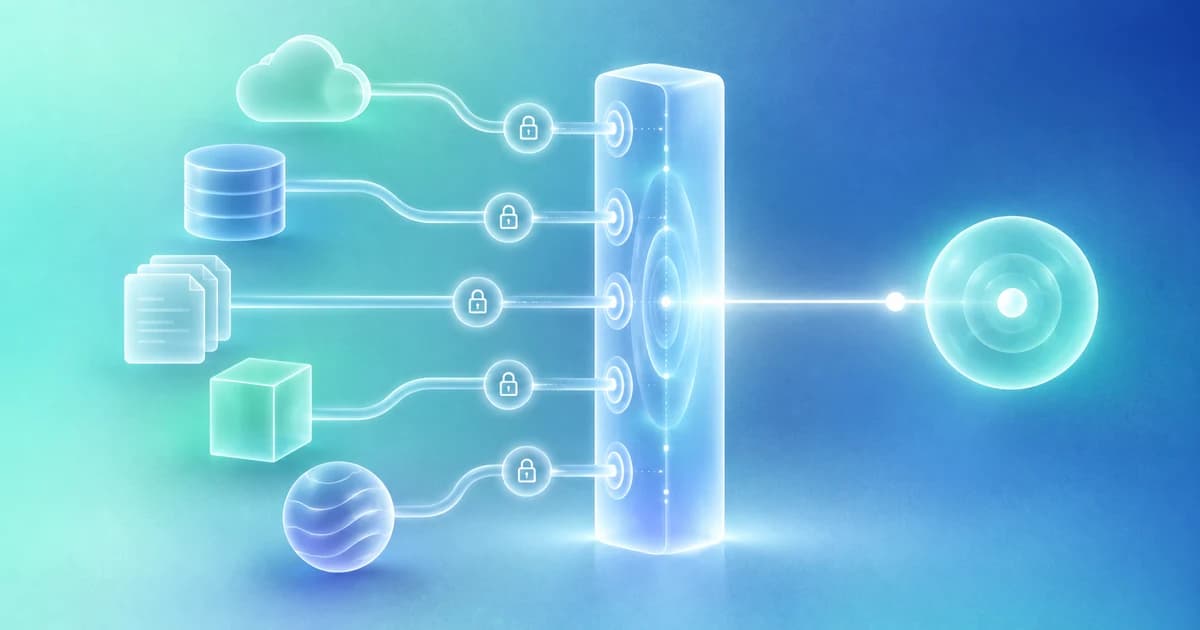
Build an AI personal assistant for work around one recurring job, such as preparing a meeting or reviewing promised follow-ups. Connect only the context that job needs, define the output, and test it before adding automation. This guide shows how to create a practical personal intelligence hub without migrating every app or building a custom model.
The first version should answer a concrete question reliably. “What should I prepare for tomorrow’s partner conversation?” is a better starting point than “Know everything about my business.”
This guide is an operating recipe. The exact features available depend on the products, accounts, permissions, and tools you choose.
1. Pick a job with a visible finish line
Choose a job you already repeat: preparing for a meeting, reviewing customer follow-ups, or checking whether promised materials were delivered.
Define a useful output before connecting data. For meeting preparation, that might be a short brief with the latest exchange, unresolved questions, approved materials, and a proposed objective. A generic paragraph about the company would not satisfy the job.
Write one sentence describing what success looks like. Keep it observable. “A reviewer can prepare for the call without reopening five unrelated sources” is something you can test. “The AI becomes my perfect assistant” is not.
2. Make a minimum-context map
List the information required to produce that output and where it lives.
| Needed information | Authoritative source | Initial access |
|---|---|---|
| Meeting time and participants | Calendar event | Read the relevant calendar. |
| Latest discussion | Complete conversation | Read the selected thread and sent replies. |
| Relationship owner | CRM or team record | Read the correct account record. |
| Current approved material | Document library | Read the designated version. |
| Existing next steps | Task or workflow record | Read before creating anything new. |
A source may be unavailable. Record that explicitly rather than filling the gap with a confident guess. The map should also identify which information is private, team-shared, or appropriate for external use.
For the broader concept, start with what a personal intelligence hub is.
3. Resolve the identities before summarizing
Check that the calendar attendee, email sender, and CRM contact are the same person. Shared names, forwarded messages, and multiple company domains can create ambiguity.
Similarly, distinguish the current proposal from an older draft with a similar filename. A useful summary of the wrong person or document is still the wrong output.
You do not need to perfect your entire database first. Resolve the identities involved in the first workflow and make uncertain matches visible for review.
4. Define what the assistant may do
Begin with reading and preparation. A written operating instruction could say:
Prepare a meeting brief using only the authorized sources listed here. Show the source and date for material claims. Separate unresolved requests from completed work. Do not send messages, share documents, create invitations, or change records. When a necessary source is unavailable, name the gap.
This is a proposed instruction, not a guarantee that a prompt alone enforces permissions. Configure the application’s actual tool access and approval settings to match the intended boundary.
Use Finta’s existing human-approval framework when deciding which later steps should remain review-required.
5. Test with known outcomes
Use a small set of low-risk or synthetic cases before relying on live recommendations.
Include a thread where the user already replied, a canceled meeting, an ambiguous commitment, and a document that exists but has not been approved for sharing. Also test a source that the connected account cannot access.
The system should handle these differently. A completed thread should not produce a reminder. A canceled meeting should not keep its original preparation priority. An inaccessible source should produce a limitation, not an invented summary.
Keep a simple test log: input, expected behavior, observed behavior, correction, and whether the error matters enough to block use.
6. Review the result where the work happens
Put the output next to the relationship, meeting, or task it supports. Avoid making the user search for the AI’s answer in a separate stream of conversations.
Finta’s meeting-preparation workflow documents a source-backed approach that joins authorized relationship and meeting context. It is a relevant implementation to evaluate for this first job, while checking the current prerequisites and supported sources.
After the meeting, record the actual outcome. Do not leave the system operating from a preparation hypothesis that the conversation has already disproved.
7. Add a routine only after the manual run works
A reliable one-off workflow is a better foundation for automation than an ambitious prompt that has never been tested.
Specify the trigger, scope, output, limits, and stopping condition. Decide what happens when the task was already completed, the source changed, access was removed, or the routine reaches its budget.
The routines guide provides examples. The goal is to reduce repeated setup without repeatedly producing the same stale advice.
Review the first version before expanding
At the end of the initial trial, ask what became easier and what still required correction. Compare actual preparation effort, useful next steps, and false reminders. Do not mistake more generated output for progress.
Keep the version that works small enough to understand. Add a second workflow when the first has a clear owner and a dependable result.
A useful personal intelligence hub is built through connected responsibilities, not a grand migration. Start with one job, keep the evidence close, and expand around demonstrated value.
Next, read How to Choose a Personal Intelligence Hub: A Practical Buyer’s Checklist.