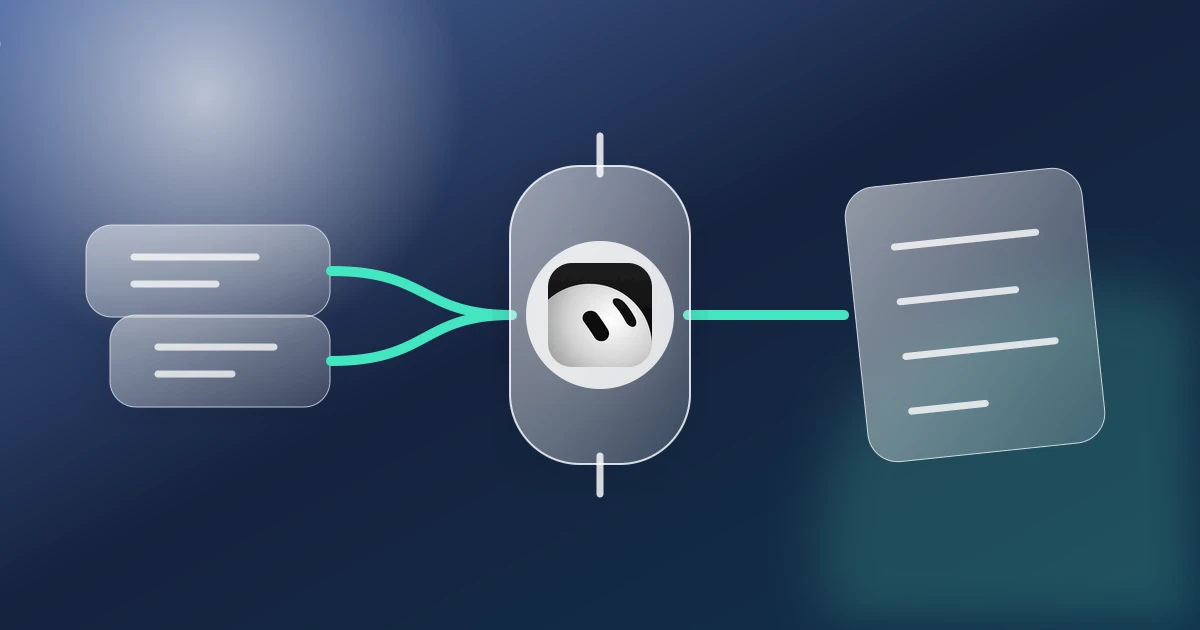
Direct answer: Configure Finta as a custom connector in Grok, then use that connector in Grok Bot where Finta appears in the Bot's available tools. Ask it to turn authorized relationship, CRM, document, and deal context into a daily prioritized action list. Finta supplies the private-capital context. Grok Bot gives you a flexible place to analyze it, shape the output, and continue the work. Keep consequential updates and external communication under human review.
Each morning should begin with the small number of relationship and diligence actions most likely to keep the raise moving. This workflow turns that scattered context into a finished artifact you can inspect, correct, and use.
What this workflow gives you
The result is a daily prioritized action list that stays connected to the records behind it. The goal is not another generic AI answer. It is a useful piece of work grounded in the relationships, documents, stages, meetings, and commitments your team has already captured in Finta.
| Layer | Contribution | Control |
|---|---|---|
| Finta | Authorized CRM records, relationship evidence, connected context, documents, and workflow state | Your Finta organization, permissions, and source records define what is available |
| Grok Bot | Reasoning, drafting, synthesis, and the client-specific working experience | You review the prompt, tool calls, sources, and returned artifact |
| You | Judgment, corrections, relationship context, approval, and the final decision | Nothing in this recipe establishes consent, interest, or permission to contact someone |
Set up Finta for Grok Bot
Follow the current Finta MCP setup guide for Grok Bot. Begin with a read-only request that lists the available Finta tools and confirms the intended organization. Client availability, account tier, admin policy, and tool approval behavior can change, so use the linked guide as the setup source of truth.
Copy this starter prompt
Use my authorized Finta context to help me produce a daily prioritized action list. Start by listing the Finta sources and records you can access. Separate verified facts, observations, and unknowns. Use the current relationship owner, stage, recent activity, open commitments, and relevant approved documents. Do not create, update, send, schedule, enroll, archive, or delete anything. Return the draft, the evidence used, the decisions that need me, and the next review step.
Run the workflow
- Define the result. Name the exact artifact, audience, decision, and time window.
- Confirm the context boundary. Select the intended Finta organization and the records or sources that belong in the task.
- Start with retrieval. Ask Grok Bot to show what it found before asking it to interpret or draft.
- Separate evidence from inference. Require sources, observation dates, and explicit unknowns.
- Build the artifact. Generate a daily prioritized action list in a format the responsible person can actually review.
- Apply human judgment. Correct stale context, remove unsupported conclusions, and decide what should happen next.
- Record the outcome deliberately. Write back only the approved update, owner, or next step. Review any external message separately before sending.
Worked example
Each morning should begin with the small number of relationship and diligence actions most likely to keep the raise moving. The operator asks Grok Bot to retrieve the relevant Finta records, show the supporting evidence, and prepare a daily prioritized action list. The returned work identifies what is known, what is missing, and which decision belongs to the human owner. The operator corrects one stale assumption, approves the useful portions, and records the next step in the system that owns it.
What good output looks like
- The requested artifact is complete enough to review, not just a paragraph of advice.
- Material claims link back to a Finta record, connected source, document, or clearly identified public source.
- Unknowns and stale observations remain visible.
- The relationship owner and next decision are explicit.
- Drafted communication remains distinguishable from communication that was actually sent.
Use the underlying Finta method
This page owns the Grok Bot execution experience. The underlying operating method remains in the related Finta Workflow. Use that page for the durable process, review criteria, and failure states, then return here for the harness-specific prompt and setup.
Limitations and safeguards
- Finta is not a proprietary PitchBook-style investor, company, property, or LP database.
- Public-web research and connected data should be sourced and checked for freshness.
- A relationship path does not establish consent, endorsement, interest, or introduction likelihood.
- AI-generated analysis can omit context or overstate a conclusion. Reopen the supporting record before acting.
- Do not paste credentials, access tokens, confidential data, or restricted materials into prompts.
- Configure Finta through Grok's custom connector flow, then use it in Grok Bot only when Finta appears in that Bot's available tools. A generic Grok connection does not prove that every Bot can use it.
- Grok Bots for one user share a persistent computer, files, browser sessions, and logins. Do not treat separate Bots as separate security boundaries.
- External communication and consequential CRM changes remain subject to the approvals and controls of the user and organization.
Make Grok Bot useful for relationship-driven work
Set up Finta for Grok Bot, run the read-only starter prompt, and produce the first artifact from context you already own. Then review Finta MCP to see how Finta brings relationship and deal context into supported AI clients.
Sources and editorial note
Research updated 2026-09-28. Written and reviewed by the Finta Editorial Team. The worked example is illustrative. Product availability, permissions, connectors, and client interfaces can change. Verify the current setup guide and the tools presented to your account before relying on the workflow.