Fundraising Operations
AI Agents with Computers vs. Connected Tools: What Changes?
Choose between an interface and a connected tool by the job, account scope and result evidence. Keep access, preparation and actions separate.
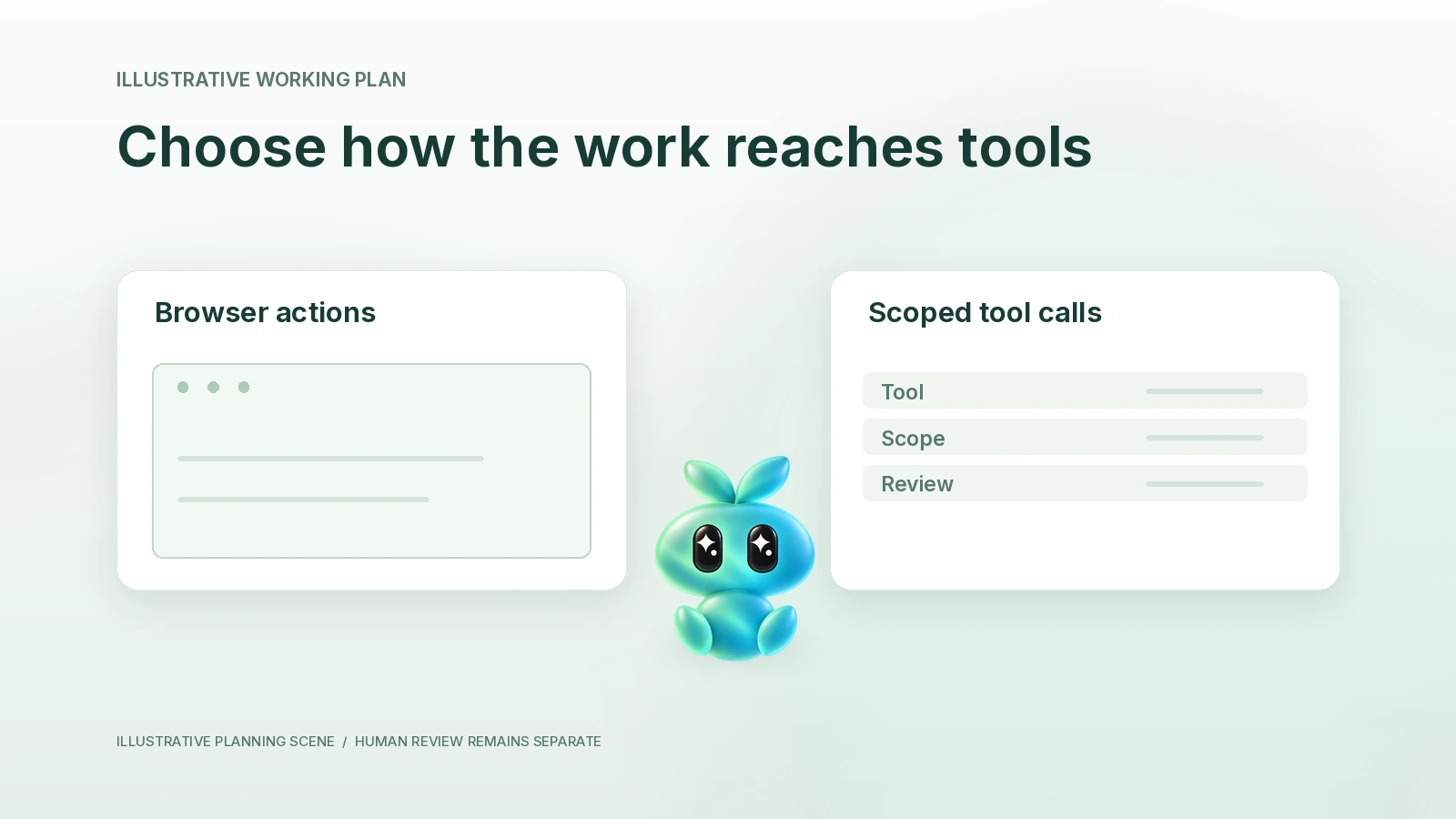
What you will learn
- Describe interface and structured-tool execution paths.
- Check account, scope and completion evidence.
- Separate the two Finta/MCP connection directions and choose a safe fallback.
A computer-using agent works through an interface such as a browser or desktop. A connected tool exposes defined operations through an API or a protocol such as MCP. Choose the path that supports the actual job with appropriate permissions and an inspectable result. Neither path automatically grants access, proves accuracy or authorizes a consequential action.
Reviewed October 22, 2026. This lesson explains execution paths, not a claim that Aurora includes a general remote computer in every account. Its examples are hypothetical planning exercises. Product availability and account connections must be checked separately.
What you will learn
- Distinguish interface actions from defined connected-tool operations.
- Compare account state, source scope, errors and receipts.
- Choose a bounded path and test its result without broadening permissions.
See what the agent actually interacts with
In an interface path, the agent may inspect a page, choose controls and type into fields. It depends on the correct browser session, visible state and current interface. A page can change, a modal can hide a control or a login can expire.
With a connected tool, the agent requests a defined operation and receives a structured response. The tool still has an account identity, permitted scope, supported fields and failure modes. A successful request may produce only a draft or a queued job, not the final outcome.
The MCP introduction describes an open standard connecting AI applications to external systems, including data and tools. It is a connection mechanism, not a universal permission or proof that a particular client and server are compatible.
| Question | Computer/interface path | Connected-tool path |
|---|---|---|
| What is being controlled? | A current application or web interface. | A defined operation with stated inputs and output. |
| Which identity applies? | The signed-in session on that computer/browser. | The connected account and granted tool scope. |
| What can fail? | Changed layout, wrong tab, session expiry or ambiguous visible state. | Missing operation, permission denial, validation error or incomplete response. |
| What should be checked? | Destination, selected object, intended control and resulting state. | Account, object ID, request fields and response/readback. |
| What does completion mean? | The expected result is actually visible or confirmed. | The returned state and any required readback support the result. |
Work through an example before choosing
Fictional example. A founder wants to prepare a meeting brief from one contact record and her own meeting notes. The desired output is a draft document. She does not want to send a message or change the record.
If a supported connected read operation returns the correct record and permitted fields, it can be a narrow starting path. The founder still checks identity and source dates. If the needed evidence exists only in a permitted webpage, a supported browser path might be appropriate. If neither is available, she can supply approved excerpts instead of treating missing access as a reason to connect an unrelated account.
The result should record the actual route: “Prepared from supplied notes and this permitted record” is more informative than “checked everything.” If the tool cannot return a document or the browser cannot open a source, the brief marks the gap. The system should not silently substitute a different person's account or an older file.
| Proposed step | Evidence needed | Stop condition |
|---|---|---|
| Read contact context. | Correct account, contact identity, allowed fields and source date. | Identity or permission is ambiguous. |
| Read meeting notes. | Authorized current version and permitted use. | The notes are missing, conflicting or confidential beyond the task. |
| Draft brief. | Claim-to-source links and unknowns. | A consequential claim lacks evidence. |
| Share or save elsewhere. | Separate authorized destination and action. | The original request covered preparation only. |
Keep connection direction separate in Finta
There are two distinct questions. An external assistant can call supported Finta MCP operations when properly connected. Separately, Aurora may consume tools from a user's connected external Apps. One direction does not establish the other, and neither means automatic two-way synchronization.
Use Finta's MCP product reference and current client documentation for the actual connection path. Use the Finta/MCP lesson for the two-direction map. This lesson focuses on choosing an execution path rather than duplicating setup instructions.
For a concrete computer-oriented product example, Grok Bot's official guide describes a cloud desktop and its applications. That describes Grok Bot's model; it does not establish a generic computer capability in Aurora or a product-to-product integration.
Use a path-selection record
| Field | Your decision |
|---|---|
| Job and permitted outcome | [Exact artifact; allowed read/draft/change states] |
| Current available paths | [Verified tool list, authorized interface or supplied evidence] |
| Account and organization | [Intended identity and scope, no credentials] |
| Smallest sufficient route | [Why this path fits the needed information] |
| Review before action | [Object, fields, recipient or destination checks] |
| Result evidence | [Response, visible state or readback actually obtained] |
| Failure fallback | [Stop, ask for missing material or retry after checking state] |
A timeout is an uncertain result, not proof that a write failed. Before retrying a consequential operation, inspect whether it occurred. A confirmation screen is also not a guarantee that the content was correct. Check the object and final state.
Authentication stays with the account owner through the approved connection or sign-in process. Do not paste passwords, tokens or private source content into a public article, URL or analytics field. If a route requires the person to complete a verification step, pause there rather than invent a workaround.
Copyable AI practice prompt
Try this with Aurora AI in Finta, Claude or Codex using only information you are authorized to share. Capabilities and connections differ. This exercise returns a draft for your review.
Choose a bounded execution path for this task.
Job, intended artifact and allowed actions: [details]
Verified available connected tools: [names and permitted scope]
Authorized browser/interface options or supplied excerpts: [details]
Return a path-selection record comparing only available options. Identify the account, object, source window, review point, actual completion evidence and fallback. Keep Finta MCP inbound and Aurora external-tool consumption separate. Do not infer integrations, authenticate, bypass verification, execute changes or claim a result occurred.
Your next step
Record one permitted route and one inspectable output. Test a read-and-draft job first, then verify the result. Add a write or external action only when it serves the job and its separate authority and readback are clear.