Workflow
Investor Meeting Follow-Up Checklist: Find Missing Next Steps
A reviewed candidate list of completed investor meetings that may still need a follow-up decision, draft, or assigned action. Follow a source-linked workflow with explicit checks, human approval boundaries, and clear Finta handoffs.
- Audience
- Founders, Fund managers, Investor relations teams
- Products
- Aurora, CRM, Automations
- Integrations
- Google Calendar, Outlook, Gmail
- Prerequisites
- Connected calendar, Completed meetings, Connected inbox or logged messages
- Expected outcome
- A reviewed candidate list of completed investor meetings that may still need a follow-up decision, draft, or assigned action.
- Approval boundary
- A person confirms that follow-up is appropriate and approves every external message; the workflow may prepare drafts but must not infer consent to contact someone.
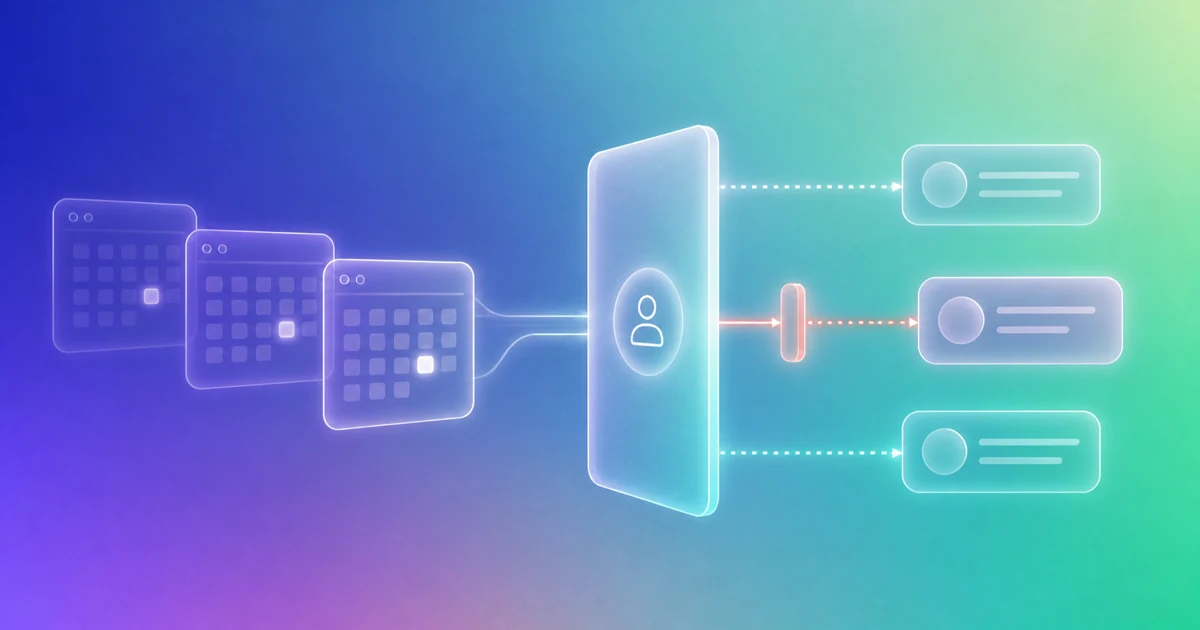
An investor meeting follow-up checklist catches the work that can disappear after a conversation. Ask Aurora to prepare a candidate list of completed meetings that may still need a decision, draft or assigned next action. Review the notes and relationship context before treating something as a commitment. Then choose who owns the follow-through and whether to send, wait or clarify.
Execution mode and verification status
Manual or connector-assisted review recipe. Treat results as candidates until a person checks the correct calendar event, message thread, open tasks, and future meetings. Connector availability and permissions vary by account.
The outcome this workflow produces
A reviewed candidate list of completed investor meetings that may still need a follow-up decision, draft, or assigned action.
| Input | What to verify | Output |
|---|---|---|
| Completed meetings | External attendees and end time | Candidate meeting list |
| Sent email | Thread and timestamp | Follow-up evidence |
| CRM state | Relationship owner and stage | Reviewed action |
Run the workflow
- Choose the review window and define what counts as an investor or partner meeting.
- Match completed calendar events to CRM contacts and organizations.
- Check for a sent follow-up, scheduled next meeting, open task, or explicit no-action decision.
- Surface only meetings where the evidence is genuinely incomplete.
- Prepare a contextual draft or assign the appropriate internal next action.
Worked example
Example: an external meeting ended Tuesday. The connected evidence shows no sent reply, future event, or open task, so it is surfaced for review. A second meeting is dismissed because the calendar already contains the agreed follow-up call, even though no email was sent.
Expected review receipt
- The reviewed calendar event is identified
- The message thread and time window checked are recorded
- Existing tasks and future meetings are considered
- The final result is a reviewed decision or draft, not an automatic send
Decision checklist
- Cancelled and internal meetings are excluded
- The message check covers the correct thread
- A scheduled next meeting counts as progress
- The relationship owner is identified
- Draft language reflects the actual conversation
Where Finta helps
In a supported, permissioned setup, Finta can organize the relevant CRM record, relationship history, user-provided or connected-source evidence, and next-action workspace for the same review. Aurora can prepare a recommendation or draft; a person remains responsible for checking the evidence and approving consequential changes or communication.
Human approval boundary
A person confirms that follow-up is appropriate and approves every external message; the workflow may prepare drafts but must not infer consent to contact someone.
Failure states and safe stops
- Attendees do not match a CRM contact
- The follow-up was sent from an unconnected account
- The event was cancelled or internal
- Thread matching is uncertain
Limitations
- Calendar titles and attendee identities can be ambiguous.
- Messages sent outside connected accounts may not be visible.
- Not every meeting deserves a follow-up email.
Sources and related Finta resources
Last reviewed: August 30, 2026. Re-verify product behavior, permissions, and the approval boundary before publication and after a material workflow change.
Related guide: Build a meeting follow-through system.