Workflow
Build a Daily Relationship Brief from Gmail or Outlook with Aurora
Build a daily Gmail or Outlook relationship brief with source coverage, clear decision queues and reviewed next steps.
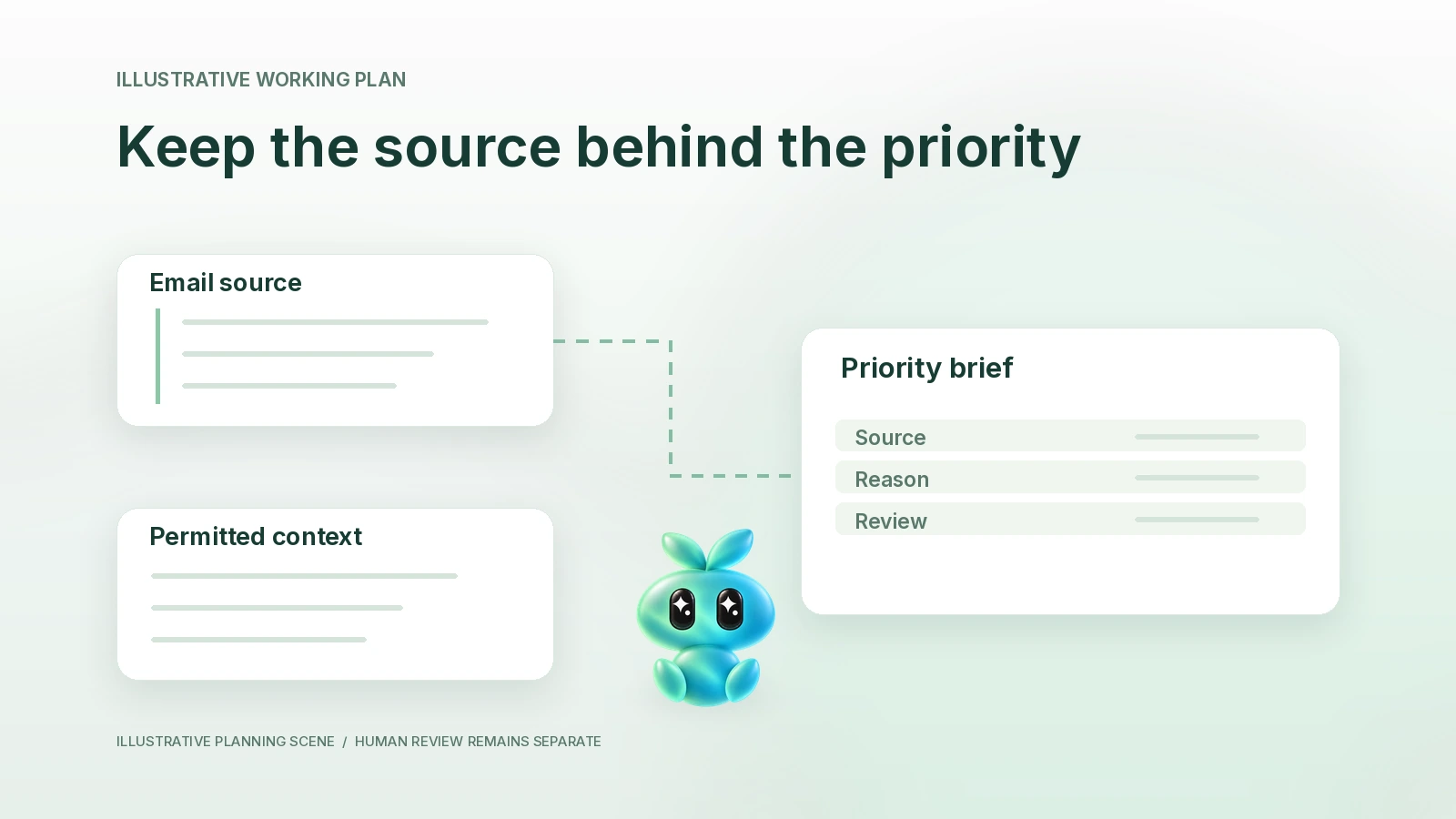
A daily relationship brief should tell you which conversations need a decision, why they matter and what evidence supports the next step. Ask Aurora to review a bounded set of permitted Gmail or Outlook threads, then return a short decision queue. Reading a mailbox and sending a message are separate actions.
Source check: October 22, 2026. Finta's reviewed implementation supports Google and Microsoft mail connections through its native email path. This guide is a source-supported operating recipe, not a report of an authenticated mailbox test. Coverage depends on the account, permissions and records actually available.
Define the brief before choosing the sources
Start with a relationship goal: keep active investor conversations moving, prepare for customer decisions or close promised partner follow-up. A general inbox summary answers a different question. Your brief should include only a conversation that changes a decision, contains a commitment or requires an informed response.
Choose the intended Finta organization and the specific connected sender or permitted shared source. A colleague's visible message does not imply permission to send from their address. Review sharing and send delegation separately. Use Finta's normal connection flow; do not paste mailbox credentials into a prompt.
Use a coverage receipt
Before interpreting silence, record what was searched. A search can miss a disconnected account, an older thread, a changed subject or a message outside the selected window. “No matching message found” is a result within a stated scope, not proof that nobody replied.
| Coverage field | Record before the brief | Review consequence |
|---|---|---|
| Relationship group | [Named active contacts or a permitted shortlist] | Avoid turning every unread message into a priority. |
| Account and organization | [Intended account; owner or permitted shared view] | Keep reading and sender authority distinct. |
| Time window and timezone | [Start, end, timezone; older context needed] | Explain what a missing result does not cover. |
| Evidence | [Thread reference, message date, relevant passage] | Open the source before relying on a consequential claim. |
| Unavailable source | [Account, thread or attachment not accessed] | Return a gap instead of inferring its contents. |
Turn evidence into a decision queue
- Reconcile the latest state. Check for a newer reply before preparing a reminder. Keep an old request from surviving as an open loop after it was resolved.
- Name the relationship decision. Distinguish answering a question, choosing whether to share material and waiting for a stated date.
- Assign a proposed owner. If the message does not identify one, mark the owner unknown. Do not silently make a commitment on someone else's behalf.
- Prepare the smallest useful output. A brief can recommend a question, a source check or a draft. It need not create a task or change a CRM record.
- Review before action. Confirm identity, recipient, source material and disclosure scope. An existing routine's send allowance is a separate owner decision, not something this brief authorizes.
Fictional worked example: two open loops and one resolved request
The following messages and people are invented. On Monday, Avery asked for an approved customer-retention table. Tuesday's reply supplied it. Morgan's latest message instead asks how the table defines an active account. Lee said they would return with feedback on Friday; today is Wednesday.
| Conversation | Evidence state | Brief entry | Human decision |
|---|---|---|---|
| Avery | Requested file already supplied | Resolved; remove from the immediate-response list | Check that the supplied version was approved. |
| Morgan | Definition question remains open | Find the approved definition; draft an answer with the source | Review the definition and any caveat. |
| Lee | Feedback date has not arrived | Wait; no fresh outreach recommended | Revisit after the stated date if needed. |
The useful result is a change in the decision queue, not a claim that three follow-ups were completed. If Avery's latest reply was inaccessible, its resolved state would remain unverified.
A reviewable prompt
Use this with Aurora AI in Finta after confirming the intended account. With Claude or Codex, supply permitted source material or separately verify a supported connection. Do not assume that one assistant can access another's tools.
Prepare a daily relationship decision brief for [named goal and contacts].
Use only [authorized account/source set], covering [start/end/timezone]. First state which sources were available and which were not.
For each relevant conversation return: exact relationship, latest supporting thread/date, open commitment or decision, proposed next step, owner/date if explicit, and uncertainty.
Reconcile newer replies and resolved requests. Separate respond, decide, wait and verify. Do not infer intent from silence.
Keep external messages and record changes as proposals. Do not send, schedule recurring work, change sharing, create tasks or update records. Ask me to review sources and authorize a specific next action.
Check the brief before adding cadence
Compare each entry with its source thread. Correct one false open loop or ambiguous owner before considering recurrence. If a routine would help, specify purpose, timing, timezone, expected output and a stop condition. A suggestion is not an active schedule. See Aurora agent routines for the existing owner of recurring-work guidance.
Common questions
Does a connected account mean the brief searched everything?
No. Ask for an explicit account and date-window receipt. Disconnected sources, incomplete records and unavailable attachments remain gaps.
Is this the Daily Meeting Prep Skill?
Daily Meeting Prep is a separate read-only meeting-centered playbook. This brief prioritizes relationship decisions across selected conversations, including those with no meeting scheduled. Use the meeting-prep template when the calendar is the organizing question.
Can the brief send replies automatically?
This recipe does not authorize a send. Review the actual draft and sender authority. Any separately configured routine recipient allowance needs its own explicit owner decision.
Start with one permitted conversation and one decision. Aurora by Finta can support the preparation; keep the coverage receipt with the result.