Fundraising Operations
When an AI Agent Gets Stuck: How to Recover the Workflow
Diagnose stalled agent work by separating missing context, access, routine state, tool failure and uncertain external actions before retrying.
What you will learn
- Identify the missing condition before retrying.
- Separate an uncertain action from a failed read.
- Record a bounded correction and an exit condition.
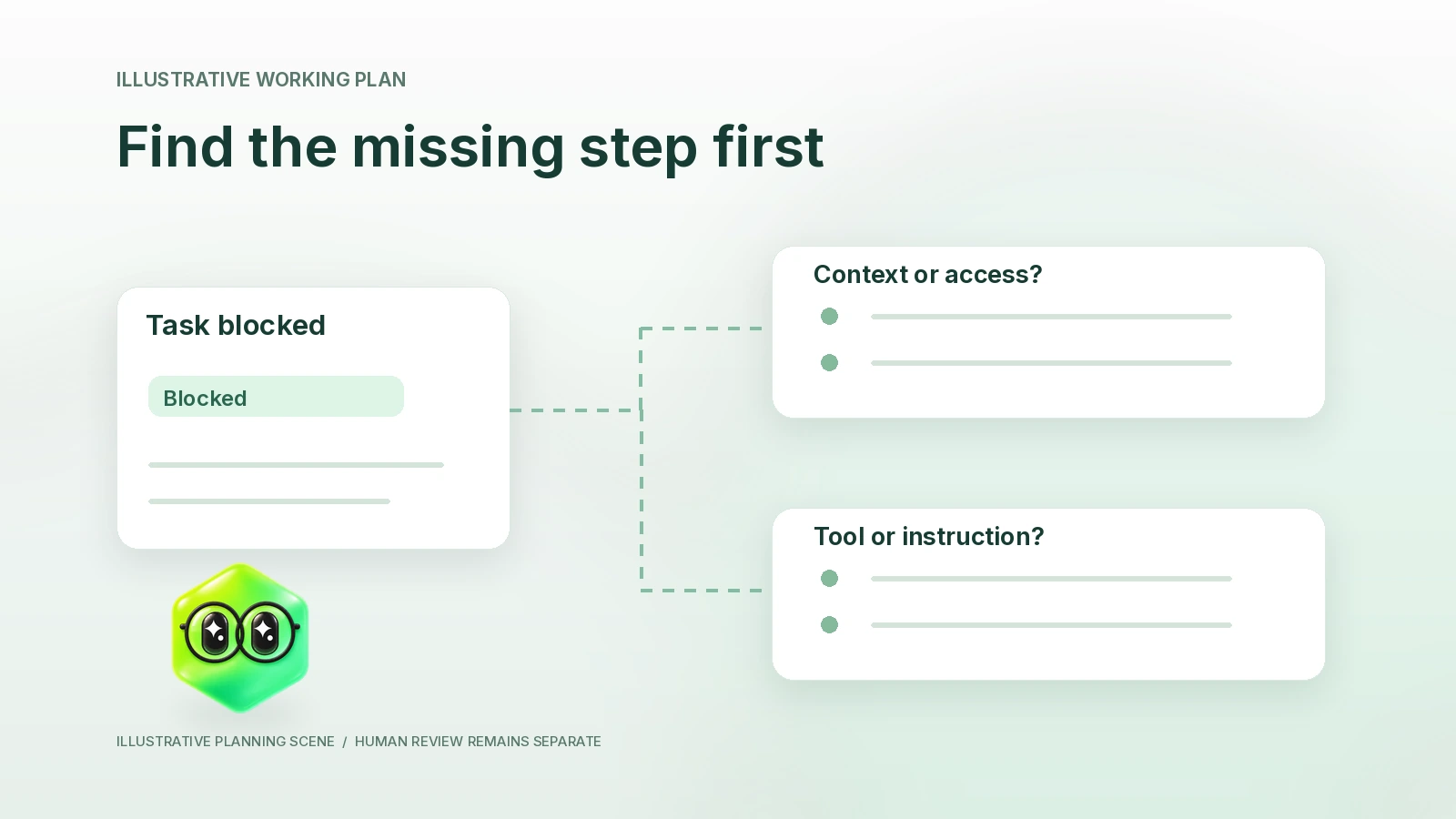
When an AI agent gets stuck, identify whether the problem is an unclear task, missing evidence, unavailable access, a failed tool, a schedule state or an uncertain external action. Record what happened before starting another run.
A retry can help with a transient failure. It cannot supply a missing business decision, grant a source permission or tell you whether an interrupted external action already happened. Use the diagnostic worksheet below to choose a narrow next step.
Preserve the last known state
Write down the assignment, selected workspace, intended account, last observed status and any result or action receipt. A queued job is not a completed output. “No result visible” does not establish that nothing happened outside the conversation.
Before retrying a write, send or share action, check its authoritative destination through the normal permitted interface. If the outcome remains unclear, hold the task and ask its owner to reconcile it. Do not submit a second copy simply because the first response timed out.
Use the diagnostic decision table
| Observed problem | Check first | Narrow next step | Do not infer |
|---|---|---|---|
| The output keeps asking what to do | Task objective, required artifact and acceptance rule | Rewrite one bounded assignment with a concrete output | That the model needs broader authority |
| Required facts are missing | Whether the source was supplied and is current | Provide a permitted source or mark the task blocked | That missing evidence means the fact is false |
| A connected tool is unavailable | Current account, connection status and live tool availability | Use the ordinary connection/support path, or supply a permitted excerpt | That a logo means the account is authorized |
| A scheduled run did not return | Agent, binding, schedule and last-run state | Inspect the effective state before enabling or retrying anything | That a persistent role executes continuously |
| A tool reports an error | Exact error, requested operation and whether it may have completed | Separate a transient read retry from a possibly completed change | That each error is safe to repeat |
| An external result is uncertain | The destination record or message and available receipt | Reconcile before replaying; involve the named owner if unclear | That no response means no action |
Work down the table until you find a specific missing condition. “The agent is bad” is not a diagnosis. A source that belongs to another account, an ambiguous recipient or a disabled schedule requires a different correction from a temporary service error.
Work through a fictional stalled brief
A fictional founder, Imani at Cedar Signal, asks for a meeting brief. The first result contains a company overview but no previous-conversation context. Imani initially considers repeating the same instruction with stronger wording.
The diagnostic record shows that the task had the correct investor identity and current official website, but no permitted prior-meeting notes. There was no verified connection to the founder’s note source for this task. Repeating “use the meeting history” would not create that access.
Imani supplies an approved excerpt with its date and asks for one revised brief. The returned draft distinguishes the verified meeting note from suggested questions. Imani checks the identity, corrects one interpretation and records the result as reviewed. The scenario is an exercise, not an actual Finta execution.
| Incident field | Fictional record |
|---|---|
| Goal | Prepare an investor meeting brief |
| Expected input | Current investor record, official strategy source and prior meeting note |
| Last observed result | General overview returned; prior conversation absent |
| Actual gap | No permitted prior-meeting note was supplied or available |
| Correction | Founder supplied a reviewed excerpt, date and source |
| Rerun boundary | One revised brief; no calendar, CRM or message change requested |
| Acceptance | Founder checked identity, evidence and proposed questions |
Read routine state before changing cadence
In current Aurora source, recurring work depends on an active agent, enabled routine binding, active schedule and available capability. New bindings start disabled. Paused, archived or disabled cases can skip rather than fall back to a different unowned execution.
Check the selected timezone, the next occurrence and the latest result where the application exposes them. A schedule written in a prompt is not confirmation that the routine was enabled. If the routine is intentionally paused, do not turn it on merely to make a test pass.
Pausing is also not a guarantee that an already-running external operation is reversed. Keep the current action’s outcome separate from whether new work may begin. Use the routine operating guide for the schedule and review contract.
Make a retry plan with an exit condition
Choose what will change before the next attempt: a corrected source, a resolved account identity, a smaller task or a confirmed service recovery. Keep the original task reference and input version so that a later result is attributable.
For a read-only lookup, a bounded retry after a transient error may be reasonable. For a state-changing operation, first verify whether the original action occurred and whether another attempt could duplicate it. If you cannot establish that safely, stop and escalate rather than guessing.
Set an exit condition such as “return the missing evidence question if this source remains unavailable.” Do not create an endless loop of increasingly broad prompts or change provider/security settings to work around a blocked task.
Correct the layer that failed
| Failure layer | Correction to consider |
|---|---|
| One output | Edit that artifact and identify the mistaken source or inference |
| Repeated instruction error | Propose a precise standing-instruction or Skill change and retest |
| Source record | Have the authorized owner correct the governed data |
| Access or account | Use the ordinary authorized account/connection controls |
| Schedule | Review the actual routine state and timezone, then make a separately authorized change |
| Unclear authority | Return a decision to the named human owner |
These are choices for the person operating the workflow. The diagnostic exercise does not itself approve record changes, reconnections, new routines or external communication.
Common questions
Should I restart every failed run?
No. Check the failure and any possible external effect first. Retry only when the next attempt has a clear purpose and a bounded scope.
Is a blocked result useful?
It can be, when it identifies the exact missing input or decision and preserves the work already supported by evidence.
What should I keep for review?
Keep the assignment, source version, last observed state, actual receipt, correction and final disposition. Use the evaluation worksheet to count failed and blocked attempts honestly.
Source review: October 22, 2026. The incident is fictional; no actual recovery or authenticated runtime test is claimed. Aurora by Finta provides current product context.