Fundraising Operations
Personal vs. Shared Agents: Keep Team and Client Context Separate
Separate agent ownership, shared work and source access with two practical scenarios and a permission-aware decision record.
What you will learn
- Distinguish responsibility from data access.
- Plan a reviewed handoff without assuming shared private accounts.
- Recognize when a separate agent is insufficient for a client boundary.
Decide who may use the underlying information before deciding how many AI agents to create. A personal agent profile can organize one person’s work, while a shared team process can assign responsibilities and reviews. Neither a name nor a portrait creates a data-access boundary.
For Aurora by Finta, current implementation distinguishes organization resources, individual connected App accounts and user-scoped work. Optional agent profiles belong to their owner in the selected organization. Do not assume that another member’s agent can read your private App connection or that two profiles isolate information belonging to different clients.
Separate ownership, collaboration and access
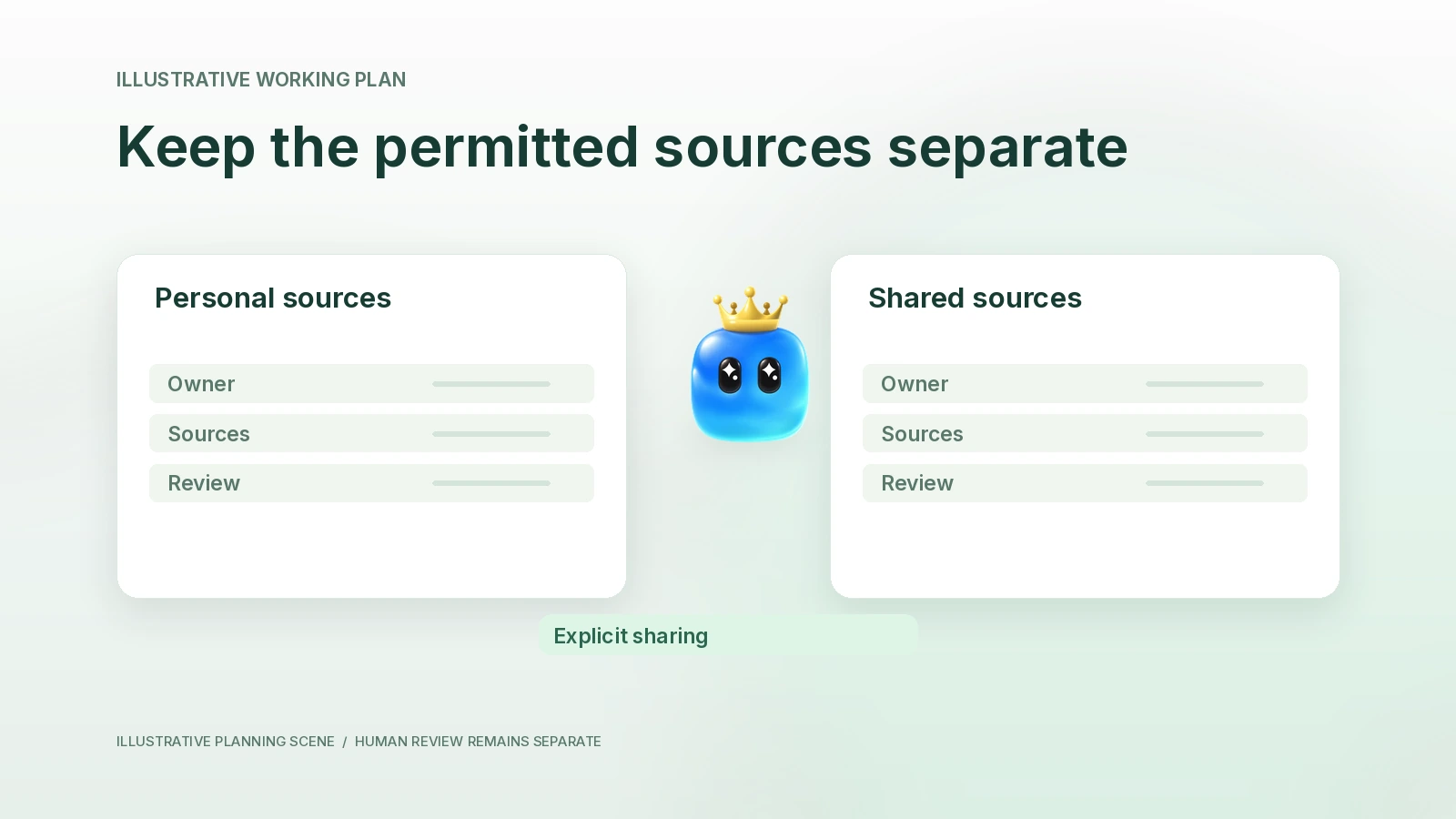
Ownership answers who is responsible for a task or agent. Collaboration answers how people exchange work. Access answers which data and actions an account is permitted to use. A team may collaborate by manually sharing an approved brief without sharing the source mailbox that produced it.
Current organization Skills and a user’s connected Apps have different scopes. Available Skills can be organization resources. Connected App accounts are resolved for the individual owner. Remembered context is retrieved through user-and-organization-scoped paths and applicable settings. A custom agent is not an additional permission partition inside those resources.
That distinction matters when a teammate is named “Client A Research.” The name describes a responsibility; it does not prove that Client B records are unreachable. Use the actual workspace, source-sharing and account controls required for the information, then confirm the effective access.
Fill an access-decision record
| Question | Record before assigning work | Evidence that is insufficient |
|---|---|---|
| Whose account is connected? | The authenticated source account and owner verified in the application | A recognizable provider icon |
| Which workspace is selected? | The organization that owns the task and the relevant records | The agent’s display name |
| Who may see the source? | Applicable source and workspace access, checked for this use | A verbal instruction to keep it private |
| What may be shared onward? | A reviewed artifact or approved fields, with the intended recipient | Permission to read the original source |
| What action is authorized? | The specific preparation, change or communication permission | A request to help with the overall project |
| How will access be rechecked? | Named owner and a review when membership, account or job changes | An assumption that setup is permanent |
This is an operating record you can keep with your task plan. It is not a claim that the product automatically creates this table or enforces a new set of policies from its cells.
Scenario1: a founder shares a meeting brief
In a fictional company, Cedar Signal, Maya connects her own permitted work sources and prepares an investor meeting brief. Her cofounder Eli needs the approved agenda, not unrestricted access to Maya’s mailbox. Maya reviews the brief, removes irrelevant private context and shares the approved agenda through an appropriate existing surface.
The preparation belongs to Maya’s account. The review can be collaborative. The source permissions remain separate. Eli should verify which records and tools his own account can use before asking an agent to continue the work.
If a source is unavailable to Eli, the correct next step may be a reviewed, permitted excerpt supplied by Maya. It is not to imitate her account, borrow a token or infer that workspace membership confers access to each connected service.
| Object in the fictional example | Needed by Maya | Needed by Eli | Handoff choice |
|---|---|---|---|
| Original email thread | Only if permitted and relevant | Not automatically | Keep the source under its existing access controls |
| Approved meeting agenda | Yes | Yes | Share the reviewed artifact using an allowed surface |
| Unverified investor inference | Needs review | Needs the uncertainty label if shared | Keep it separate from confirmed facts |
| Authority to contact investor | Specific authorization required | Specific authorization required | Do not derive send authority from access to the agenda |
Scenario2: an advisor serves two clients
A fictional advisor, Rowan, works with two unrelated companies. Rowan wants a research responsibility for each. Creating “Client A” and “Client B” profiles may make the work easier to recognize, but it is not proof of confidentiality isolation.
Before using either client’s material, Rowan must establish the actual organization and source boundaries appropriate to those engagements. Keep the source packets distinct, check which workspace is selected and use only information that the engagement permits. Where controls cannot establish the required separation, do not use the source for the task.
A manually prepared packet can reduce unnecessary data exposure, but it does not replace the underlying contractual or technical requirements. Do not call a packet anonymous merely because a company name was removed; facts can still identify a person or transaction.
For this example, Rowan creates a source register with client, allowed purpose, location, owner, permitted reviewers and expiry/recheck event. The first deliverable is a client-specific brief. Combining the two briefs into a cross-client recommendation is a new task requiring its own permitted purpose and review.
Test the boundary without probing unauthorized data
Use known permitted sample records and the application’s ordinary account and access controls. Ask the task to state the sources it actually used. Compare those references with the intended packet. A missing source should be reported as unavailable rather than treated as empty or as permission to search elsewhere.
Do not test isolation by trying to access someone else’s records, changing roles or bypassing authentication. If a tool exposes unexpected information, stop using it for the exercise and route the issue through the organization’s normal support or security process.
Keep review ownership visible
A shared review board can list the human owner, current artifact, evidence gap and next decision without exposing every underlying source. Record whether a transition is manual, user-triggered or actually automatic. Two people reviewing a document does not establish that their agents shared private memory.
When a person leaves a project or changes responsibilities, revisit source access and routine ownership. Renaming an agent does not revoke an App connection. Pausing a role is not a substitute for removing access through the source’s actual controls.
Common questions
Can a profile keep one client isolated?
A profile organizes work. Verify actual organization and source controls for the required confidentiality boundary.
Is a shared Skill the same as a shared App account?
No. A reusable instruction resource and an individual service connection have different scopes. Check both before assigning work.
Where should I start?
Complete the access-decision record, then use the context-handoff guide to decide which reviewed artifact should travel to the next task.
Implementation and public product context checked October22,2026. Both scenarios are fictional and do not represent a completed access-control or customer test. See Aurora by Finta for current availability.