Fundraising Operations
AI Agents, Chatbots, and Automations: Choose the Right Tool
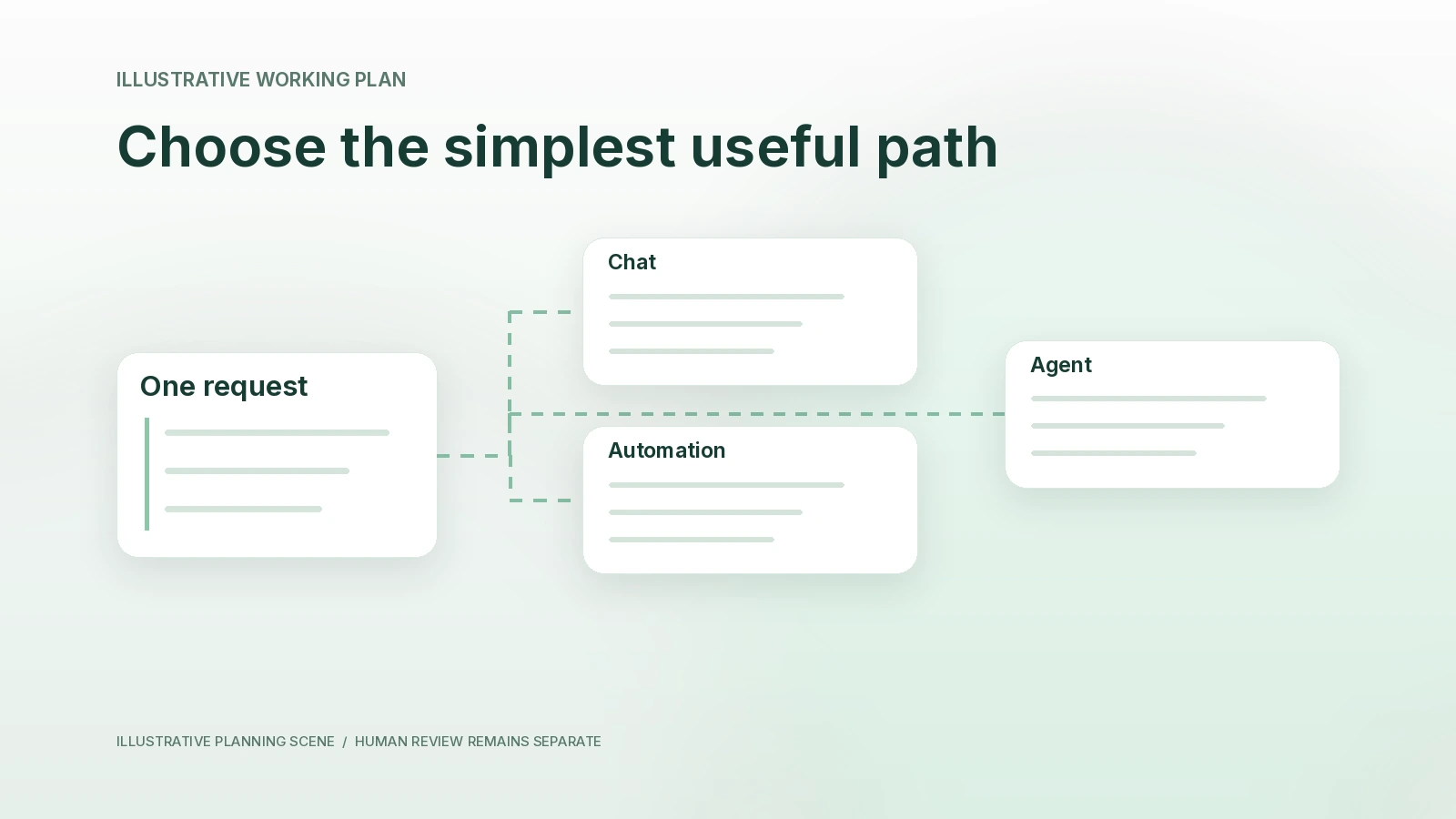
Choose chat, automation or an agent from the task itself. Compare one follow-up job three ways and define the evidence, exceptions and review.
What you will learn
- Distinguish a conversation, a predefined workflow and tool-directed work.
- Choose a simpler method when it meets the task.
- Define exceptions and review before repeating a process.
Use a chatbot when the main job is to think or draft with you, an automation when the steps and triggers are already clear, and an agent when the work needs choices among sources or tools. Start with the simplest method that can return a result you can verify. Many founder workflows use all three at different stages.
Reviewed October 22, 2026. These are practical working definitions, not universal product categories. The same interface can contain a conversation, a fixed workflow and tool-using agent behavior. The examples below are fictional decision exercises.
What you will learn
- Choose a method from the task's uncertainty and repeatability.
- Compare the same investor-follow-up job handled three ways.
- Keep preparation, activation and external actions separate.
Compare behavior rather than product labels
A chat window does not tell you whether a system will only return text or also call a tool. A scheduled process can include an agent's judgment. A named agent can spend one task simply drafting from supplied notes. Ask what the specific workflow does.
Anthropic's agent-design guidance distinguishes predefined workflows from systems where a model selects steps and tools. The article also recommends beginning with a simple solution. Its tooling details have evolved since publication; this lesson uses the architectural distinction, not a claim that the article specifies current Finta behavior.
| Method | Best starting condition | What you design | Failure to watch |
|---|---|---|---|
| Conversation | You can provide the needed context and direct the next turn. | Question, evidence and draft standard. | A plausible answer that lacks supporting facts. |
| Automation | A recurring trigger and bounded steps are understood. | Conditions, timing, actions, exceptions and stop rules. | Repeating a wrong or outdated step reliably. |
| Agent | The route to the result varies and supported tool choices help. | Outcome, permitted sources, tools, budget and review. | Taking an unsuitable path or overstating completion. |
Try one job three ways
Fictional example. A founder has a note from an investor meeting: the investor asked for the current product overview, but the founder has not approved the final file. The immediate goal is to prepare accurate follow-through, not to maximize messages sent.
Conversation: clarify and draft
The founder supplies approved meeting notes and asks for a concise recap and a list of missing facts. The assistant returns a draft saying the overview will be shared after review. The founder notices that the note does not establish a delivery date and removes a proposed “tomorrow” promise.
This method fits when the founder can assemble the small source packet and wants to work through the wording. It needs no recurring task. A new message asking “Can you make it warmer?” changes the draft, not the authority to send.
Automation: repeat a known process
After the team defines its process, a supported workflow could check a known follow-up queue at a chosen time and identify items awaiting a file. The schedule should say what to do when the file is missing, an investor replied or an item was already completed.
An automated email sequence is a different choice from a read-only queue check. Activating a sending workflow requires reviewing its actual recipients, copy, timing and stop conditions. Repetition is helpful only after the underlying step is appropriate.
Agent: assemble a reviewable next step
Where the available tools permit it, an agent can look for the approved file, compare the recorded request with the current relationship context and prepare a source-linked draft. If two files both claim to be final, the useful result is a conflict and a question for the owner. It should not choose by filename confidence.
The value comes from navigating an uncertain source path. It does not remove the founder's responsibility for the recipient, the file or the external commitment.
Fill in a method-selection worksheet
| Question | If yes | If no |
|---|---|---|
| Can I supply a small, complete evidence packet? | Try a conversation before adding tools. | Identify which permitted retrieval would help. |
| Do the same steps repeat with clear conditions? | Consider a bounded automation. | Keep a person directing the sequence or test an agent. |
| Does the route vary with the evidence? | Define choices and stopping points for an agent. | A fixed workflow may be easier to inspect. |
| Can I verify the returned artifact? | Choose a small trial and record corrections. | Improve the evidence and review process first. |
| Would a wrong action affect another person or a durable record? | Define the exact authorization and receipt required. | Still check accuracy; lower consequence does not mean correct. |
| Will this repeat enough to justify maintenance? | Plan ownership, source freshness and pause conditions. | Finish the one task without creating a standing responsibility. |
Write your conclusion as a design choice, not a maturity ranking: “A conversation is sufficient for this draft,” “a scheduled check suits this queue,” or “an agent is worth testing because source selection varies.” A simple approach can be the deliberate choice.
How the pieces appear in Finta
Aurora by Finta works with available relationship context and supported tools. Finta Automations separately documents scheduled Aurora work, contact sequences and reusable Skills. A Skill describes how work should be approached; it does not itself create a schedule or grant a connection.
For a small investor-follow-up exercise, use the existing follow-up workflow and keep its send/wait decision visible. If later repetition is useful, inspect the current supported configuration before enabling it. No article or prompt activates an automation for you.
Avoid three expensive category mistakes
- Adding an agent to an unresolved process. If nobody agrees which file is approved, more tool use cannot settle the decision.
- Automating before defining exceptions. A reply, a wrong identity or a missing document must have a clear stop path.
- Assuming a conversation cannot act. Read the actual tool and permission state; a chat interface can still expose actions.
Copyable AI practice prompt
Try this with Aurora AI in Finta, Claude or Codex using only information you are authorized to share. Capabilities and connections differ. This exercise returns a draft for your review.
Choose the simplest useful method for this task.
Desired artifact and reviewer: [details]
Inputs and authorized sources: [list]
Known steps, variable decisions and repetition: [details]
Actions that affect people or records: [list]
Compare a conversation, a fixed automation and a tool-using agent. Explain which is sufficient, what could fail and what evidence would justify adding complexity. Return a small trial plan, not a universal winner. Do not activate anything, send messages or change records.
Your next step
Choose one job and complete the worksheet. Produce a reviewable result with the simplest approach, then use the errors and repeated effort you actually observe to decide whether a different method is justified.